Focus
Where: menu bar → Settings… → Focus
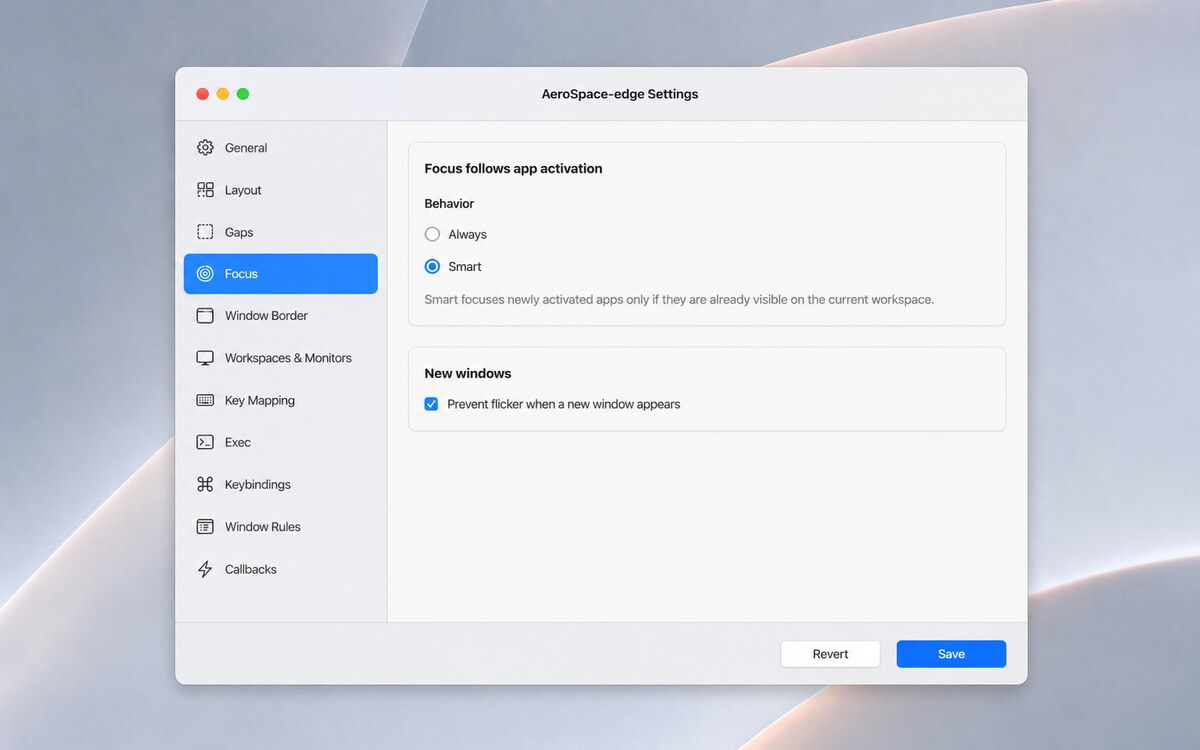
Both options on this page are AeroSpace-edge-specific — upstream AeroSpace has neither.
Focus follows app activation
What happens when macOS activates an app that lives on a different workspace — a
notification click, an open from the shell, a background app raising itself.
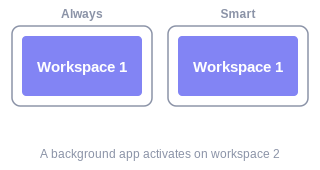
- Always — follow the activated app to its workspace, every time.
- Smart — follow only when the activation looks user-initiated, i.e. it resembles a recent click. Background activity no longer yanks you to another workspace.
Keyboard-only ⌘-Tab is not treated as a click, so under Smart it does not switch the visible workspace.
TOML focus-follows-app-activation · values always / smart ·
default always · applies after reload
New windows
Prevent flicker when a new window appears
A newly detected window is briefly drawn wherever the app itself decided to put it, before AeroSpace-edge tiles it. This option hides the window offscreen until its first layout is ready, so it only ever appears in its final place.
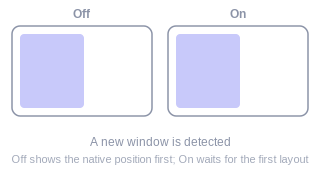
The trade-off: an unusual window can appear a fraction later than it otherwise would.
TOML new-window-prevent-flicker · values true / false · default false ·
applies after reload, to windows detected from then on