Layout
Where: menu bar → Settings… → Layout
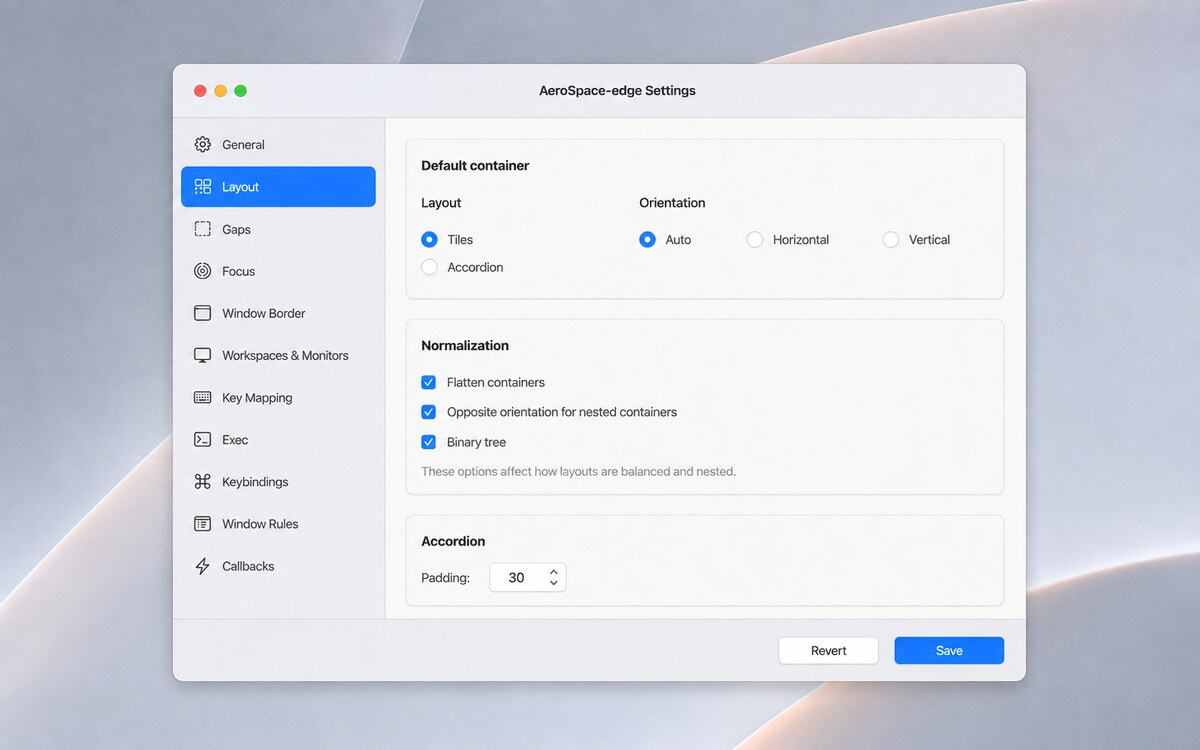
What a new workspace looks like, how aggressively AeroSpace-edge tidies the window tree, and how much of a stacked accordion stays visible.
Default container
Layout
Chooses the root layout for workspaces created from now on. Existing workspaces keep the
layout they already have until you change them with layout.
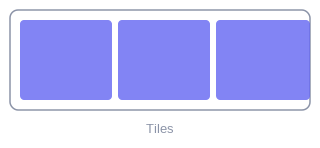
Tiles divide the available area. Accordion stacks the windows and shows one at a time, with the neighbours reduced to tab-like strips.
TOML default-root-container-layout · values tiles / accordion ·
default tiles · applies to workspaces created after reload ·
see Layouts
Orientation
The direction of a workspace's first split.
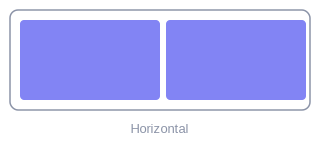
auto picks horizontal on a wide display and vertical on a tall one.
TOML default-root-container-orientation · values auto / horizontal /
vertical · default auto · applies when a workspace root is created
Normalization
Normalizations keep the window tree tidy. Turning them off gives you full manual control of the tree — and full responsibility for it. See Normalization.
Flatten containers
A container left with only one child no longer adds any structure, so AeroSpace-edge replaces it with that child. The root container is the exception — it may keep a single window child.
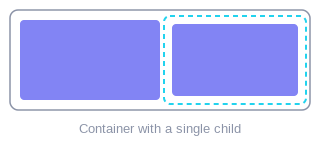
Turn it off to preserve every manually created nesting level. Empty containers are removed either way.
TOML enable-normalization-flatten-containers · values true / false ·
default true · applies on every reload and refresh
Opposite orientation for nested containers
A horizontal parent gets vertical children and vice versa, which stops redundant nesting from appearing in the first place.
TOML enable-normalization-opposite-orientation-for-nested-containers ·
values true / false · default true ·
note binary-tree normalization takes precedence when both are on
Binary tree
Reshapes the tree so every container has at most two children, choosing each container's orientation from the shape of its rectangle. AeroSpace-edge-specific.
TOML enable-normalization-binary-tree · values true / false ·
default false · note overrides opposite-orientation normalization
Accordion
Padding
How much of the neighbouring windows stays visible in an accordion, as a tab-like strip.
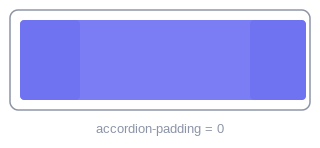
0 removes the strips entirely, so only the focused window is visible.
TOML accordion-padding · values integer, 0…200 in the UI (step 5) ·
default 30 · applies at the next layout after reload